Flashcards
There is quite a lot of research showing that flashcards at spaced intervals are one of the most effective ways to learn and retain information. This is why it's one of the core features of mt.
Anyone familiar with flashcards software like Anki or SuperMemo should feel right at home with mt's flashcards.
The only difference is that flashcards are always assigned to a particular note. The flashcards panel can be accessed by clicking the flashcards button floating on the right side of the note editor.
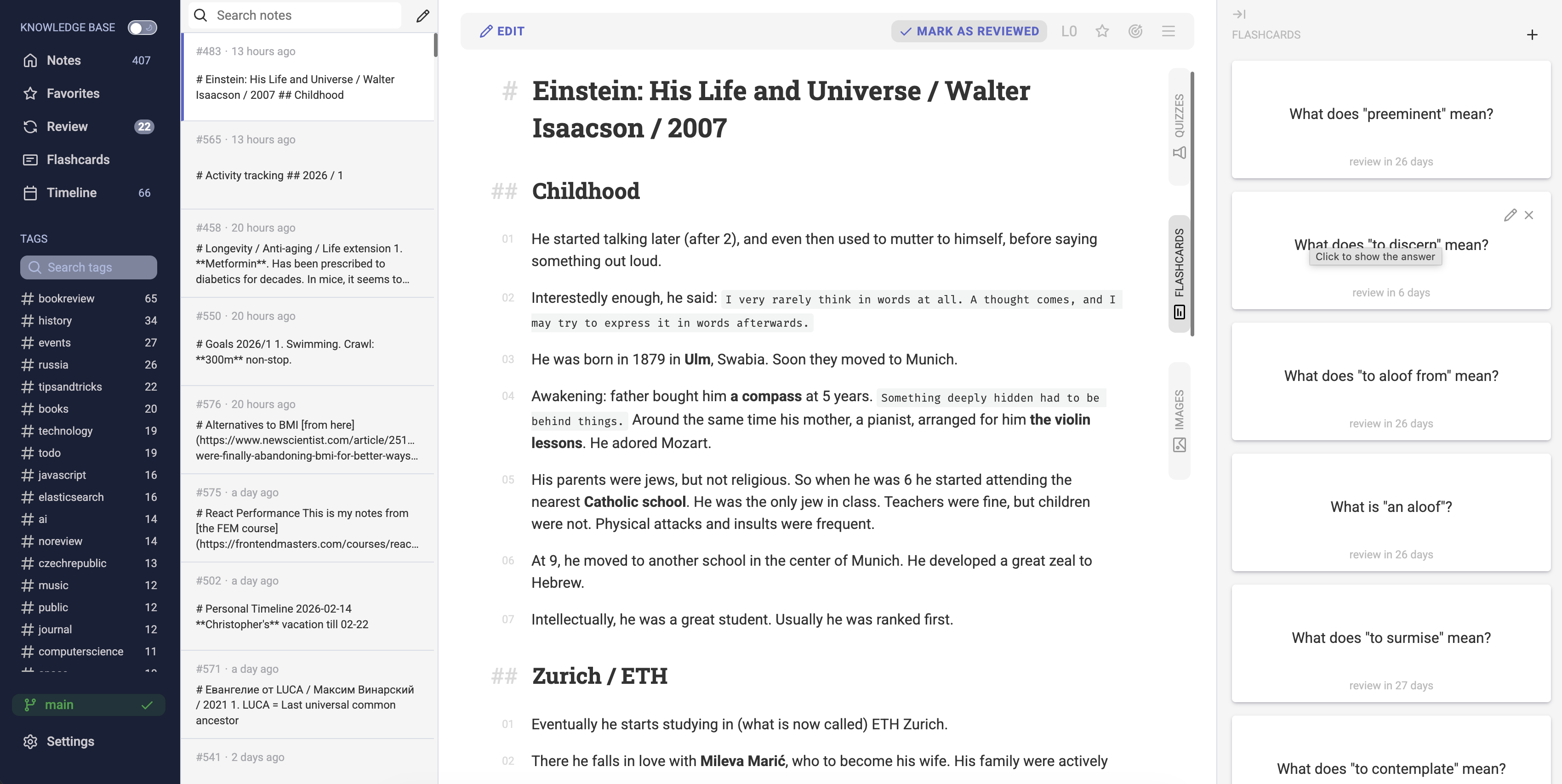
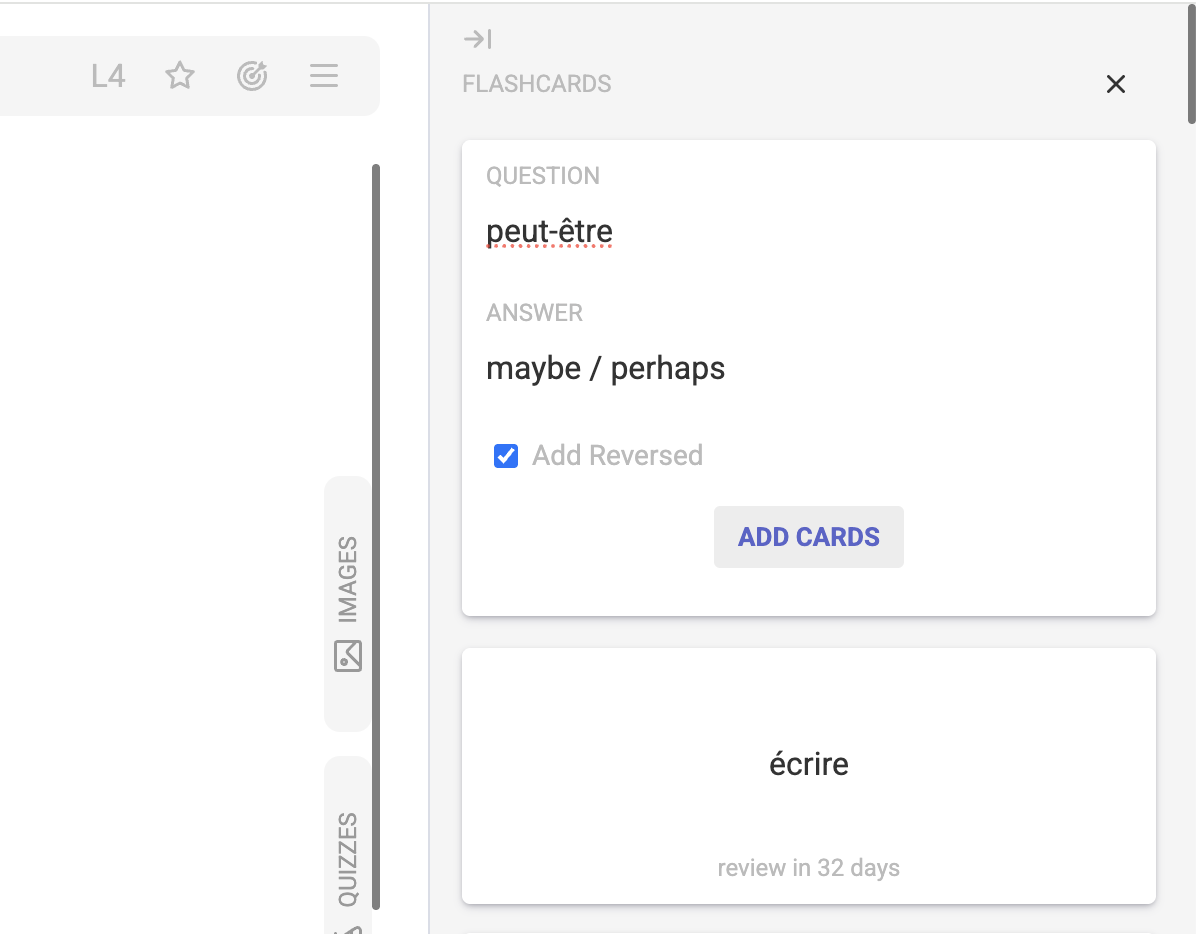
Click the "+" icon to add a new flashcard. When learning a new language, sometimes it's convenient to add both cards (there is a checkbox for that).
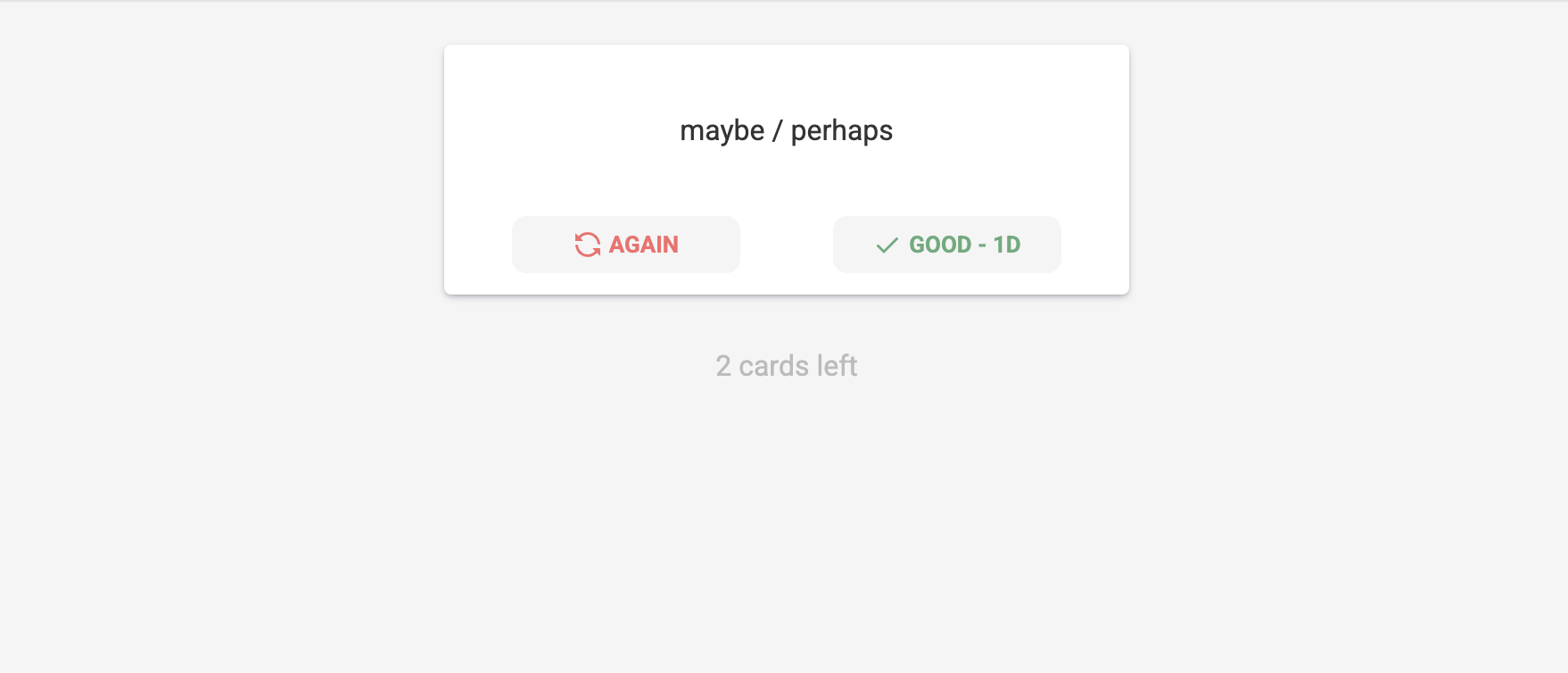
Similarly to notes, the flashcards review schedule is managed by mt. The algorithm is loosely based on the SM-2 algorithm with a few tweaks. When you review a flashcard, there are just two options: "Again" and "Good". If you click "Again", the entire schedule will be reset. If you click "Good", the next review will be scheduled.
Next
Now that we have covered flashcards, we are ready to move on to the next topic: Quizzes.